Why Dental Practices are upgrading their CBCT Imaging software.
By their very nature, CBCT Imaging workflows require a significant amount of software input. While your machine will scan effectively, to collate and display these scans, you’ll need a software platform which is sophisticated, reliable, and easy to use.
CS 3D Imaging Premium fits this bill perfectly and dares to ask for more, demonstrating accuracy, convenience, and a variety of AI features which can help you construct more effective treatment plants.
In today’s article we’re going to be going over CS 3D Imaging Premium, and how it might tangibly impact your practice. Improving ways of working, making your CBCT Machine more convenient to use, and helping your patients receive the absolute best standard of care.
If you don’t know about us, we’re Dental Directory. We’re a dental equipment and goods supplier who’ve been happily supporting practices for the last fifty years. We do training, equipment, products, and even full surgery kit fit outs. Once you’re done with this blog, why not see what we can do for you?
What is CS 3D Imaging Premium?
CS 3D Imaging Premium is a subscription-based software which gives you the utmost range of features for use alongside your Carestream Dental CBCT Machine. Think of it like a paid-for software package which allows you to access the bespoke and cutting-edge features which Carestream Dental brings to bear. These features include:
- Prosthetic-Driven Implant Planning Module (PDIP).
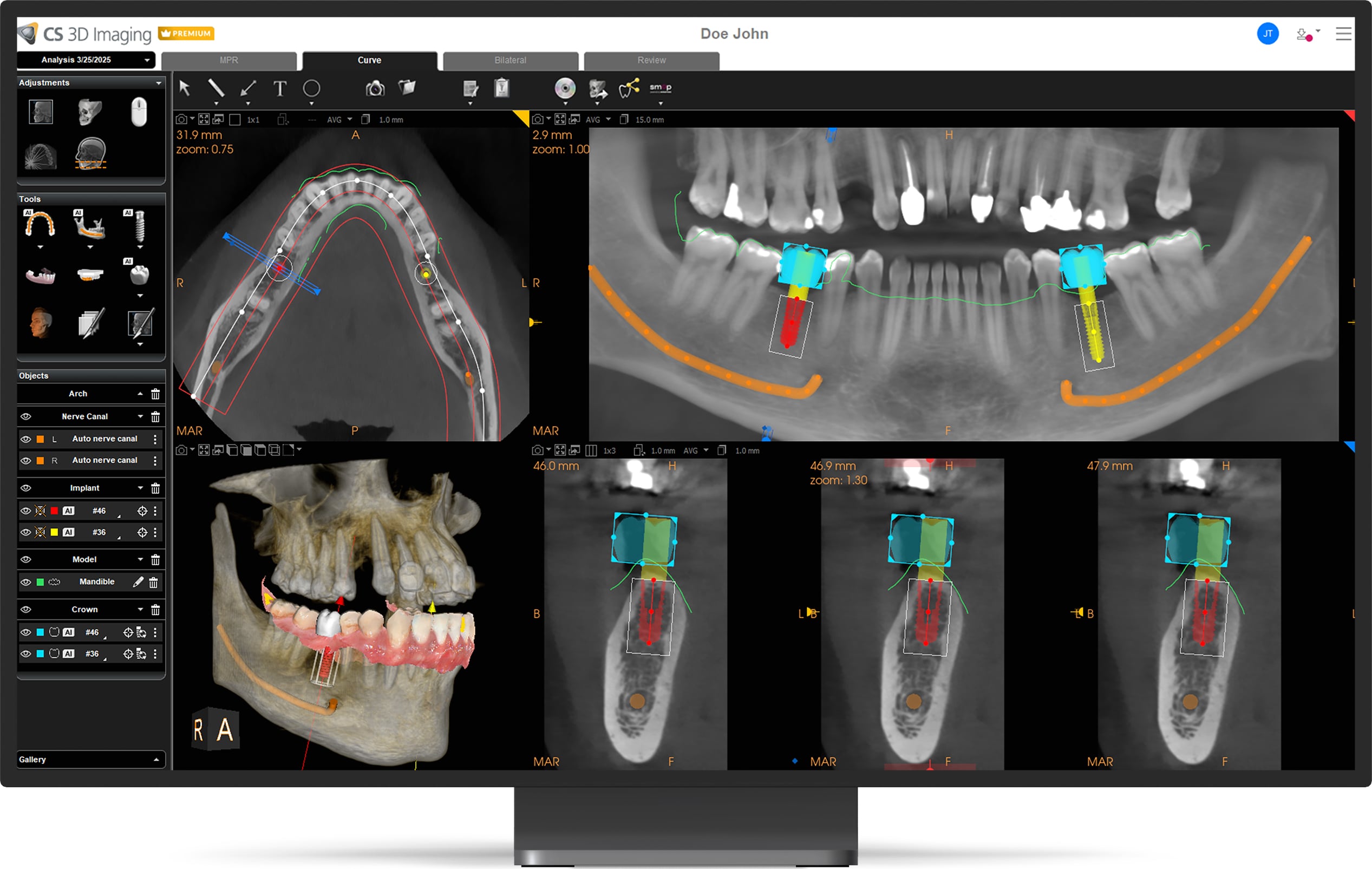
- AI Automatic Implant and Crown placement.
- Share My Case.
- CS Airway.
To say these features will help you get the most out of your machine isn’t untrue, but it’s reductive. These features will certainly help you to make the most of your CBCT machine, and use said CBCT Machine in entirely new ways, being able to automate many of the workflows which eat away at your practice hours, without compromising on quality of care.
Prosthetic Driven Implant Planning Module (PDIP)
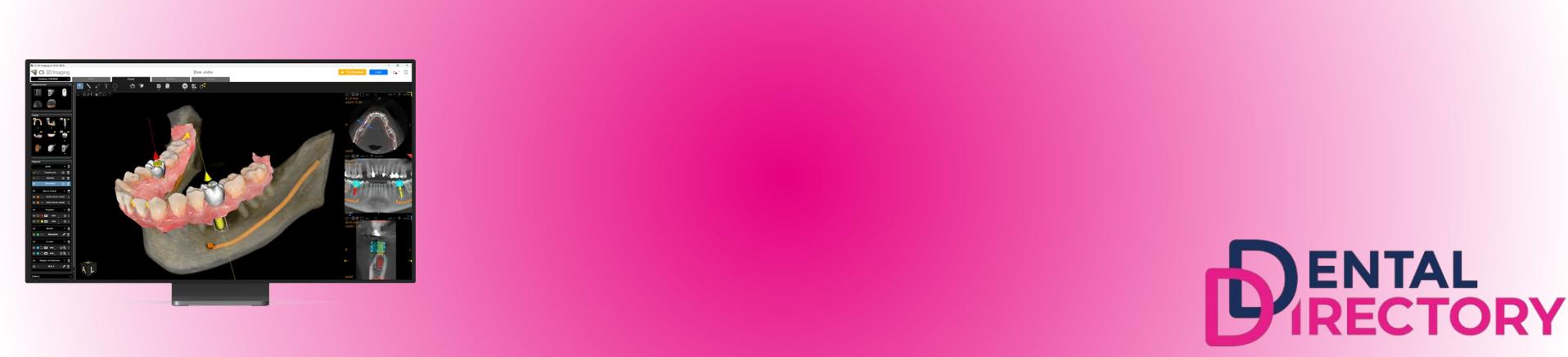
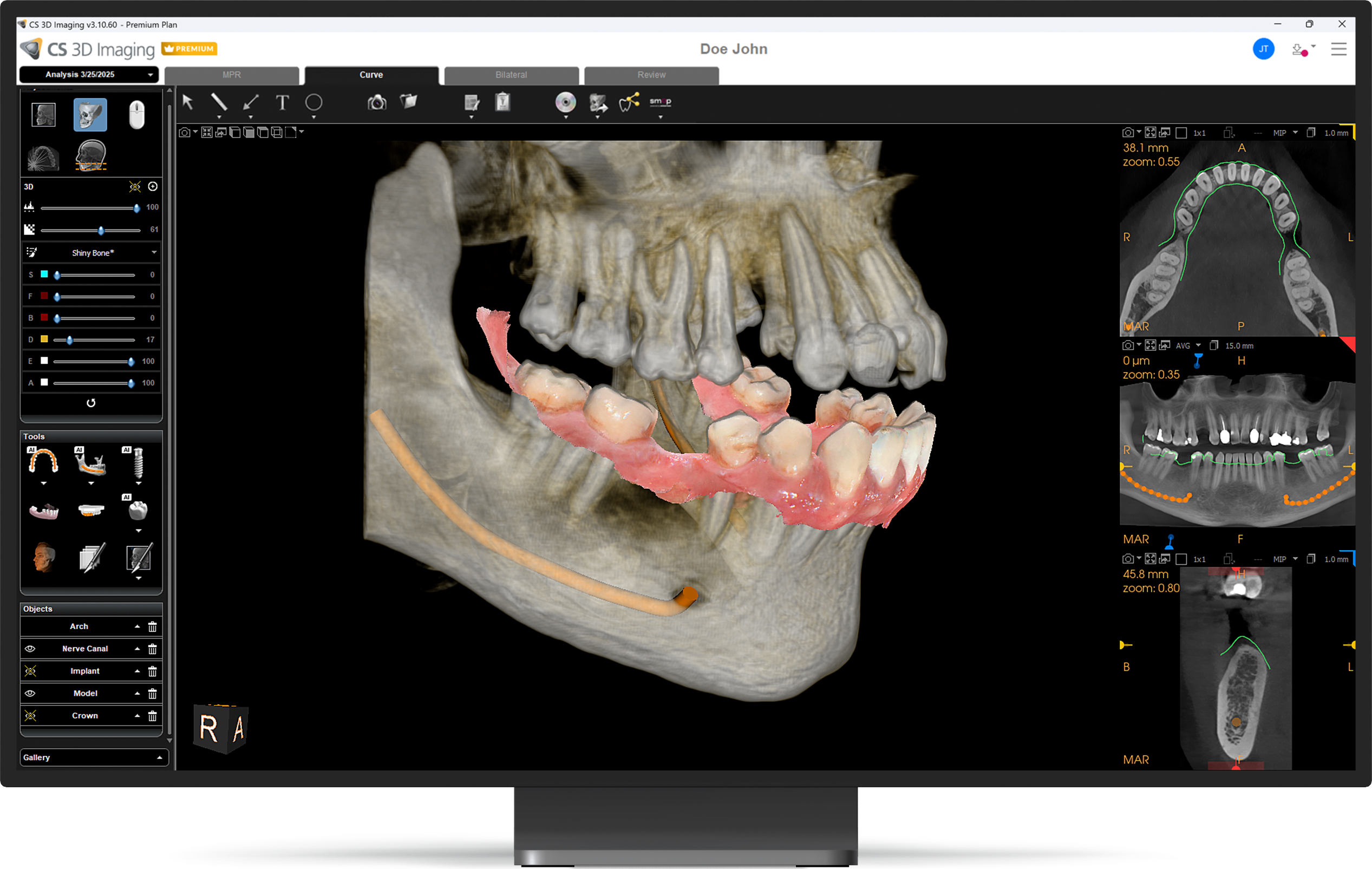
The PDIP is a 3D imaging software which you can use to view scans, create treatment plans, and share cases with patient. The PDIP gives you the tools you might need to plan an implant precisely and confidently. Creating a plan with this software might include adding virtual crowns and/or importing wax-ups. One of the understated benefits of a piece of software like this is that it allows for practitioners to create visual plans for patients. Including your patient in the process helps them to feel a little bit more in control of their situation and will likely improve their confidence in your practice.
The PDIP module is available for sale independently, allowing you access to the basic functionality or included alongside your premium membership, which opens up many more features.
AI Automatic Implant and Crown placement.
As you may have guessed from this software’s descriptive title, this is an AI-powered implant planning software which helps to speed up your workflow by automating the routine tasks of implant and crown placement planning. For example, this software feature automatically matches the CBCT and intraoral scan, automatically mapping the panoramic curve and naval canal, as well as automatically calculating implant dimensions and virtual implant placement calculated based on the anatomical information available on the patient model. It’s also worth mentioning that Carestream Dental boasts a library of over a hundred implant manufacturers, giving you the freedom you need to build a robust plan.
While an accelerated workflow is a strong benefit for you, the practitioner, it also benefits your patient. As we mentioned before, including your patient in the planning process is a good bonus for them, and with this automation you can draw together a treatment plan very quickly, outlining its structure in just a few clicks to present to your patient. This will help to build their confidence in you, your practice, and provide them with some comfort if they are in pain. Small benefits such as quickly and comprehensively coming up with a treatment plan outline may improve case acceptance.
Share My Case.
Share My Case is a tool which is as convenient as it is simple to understand. Share My Case allows you to instantly transfer the full 3D case data you’ve received to other practitioners, practices, or labs with just one click. This is great for if you’re working with a third-party for your surgical guide creation and enables a huge amount of freedom in how you treat your patient, without compromising on details. We find that this is particularly useful in very complex cases where multiple practitioners need to collaborate to create an effective treatment plan.
At current time, Share My Case supports sharing thirty times per month.
CS Airway
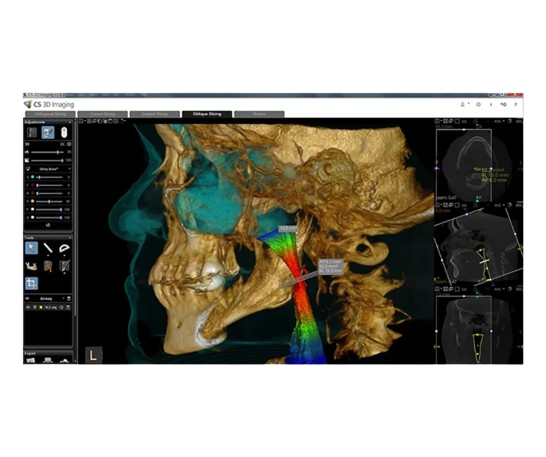
The CS Airway module is designed to simplify airway analysis through colourful 3D renderings. Its advanced airway analysis automatically segments and measures the upper airway, making it very useful for planning safer procedures.
How do I order CS 3D Imaging Premium?
CS 3D Imaging Premium is a subscription-based license, so you’ll pay for one license per user, per year. You’ll need to provide your email address at the time of purchase so that a sign-in account (or as CS refer to it, an SSO) can be assigned to your correct CS 3D Imaging Premium license.
This is an annual subscription and will need to be paid for every year in perpetuity if you want to keep access to your premium features. You’ll be sent a reminder via email at the 11-month mark to refresh your premium license.
Can I try CS 3d Imaging Premium for free?
You’re in luck – you absolutely can.
To do this, you’ll need to start a 90-day free trial, which is a very simply process to get to grips with. We’ll detail the steps below:
- Firstly, make sure that your CSI8 and CS 3D Imaging software is up to date with the latest version.
- Then, you need to click ‘Try Premium’ in CS 3D Imaging
- Next, you’ll create an account or sign into Carestream Dental.
- At this point, you’ll need to review and accept Carestream Dental's Standard Terms & conditions. Don’t worry, they’re quite straightforward.
- At this point, you’ll get a welcome email, and you’ll be free to enjoy your free trial for thirty days!
- Finally, just a week before the end of your free trial, you’ll get a reminder email to Contact your Carestream Dental Rep/dealer to purchase a full license.
Conclusion
Software can transform how a practice works. With more workflows than ever requiring a digital component, it makes sense to invest in a software which works. One which is reliable, has a lot of time-saving features, and has the potential to improve patient retention.
See more about CS 3d Imaging Premium
FAQ -
What are some indications supported by CS 3D Imaging Premium’s AI-automated crown placement?
Some of the first indications included in this software’s release were automated crown placement supports cases for up to three teeth in either the maxillary or mandibular regions.
How can I use AI-automated implant placement?
The first release of AI-automated implant placement software supported cases for up to three teeth in the mandibular region only.
Can I change the AI- automated crown and implant placement?
Yes, the automated crown and implant placement are an initial proposal for you, the practitioner, to consider. You have full control to either
approve it or adjust the proposed placement according to the clinical situation and based on your expertise.
Do I have to import a 3D model to use the AI Automatic Implant and Crown placement?
Yes you do. A 3D model (from IO Scanner or CSD CBCT model scan) must be imported and merged with the CBCT in order for the AI Automatic Crown and Implant functions to work. Once imported, the software will correctly identify all teeth present and propose potential
crown/implant sites.
What happens once the sender reaches the 30 shared cases?
At time of writing, the sender must wait for next month to get additional credits.
Can I Share My Case with someone who isn’t a Carestream Dental customer?
Yes, the recipient will receive an email with a link, asking them to log in or create a Carestream Dental account (aka SSO) or create a new one. They will need to have the shared viewer downloaded. After these steps have been followed, they will be able to review your patient’s case.
How can I receive a Share My Case file?
Once you have received your Share My Case file, you must log in and install the shared viewer before being able to review the case.
Please Note: CS 3D Imaging and the shared viewer cannot run at the same time on the same station, so users must close one or the other.
Can I Share My Case to another 3D software?
Yes, when you receive a Share My Case file, you must first open the case with the share viewer and export the case. Then, import the full case in their CS 3D Imaging software or import CBCT volume in their third-party 3D software.